
Lead retrieval at trade shows: your options and what they cost
Lead retrieval is how exhibitors capture the people who stop by their booth. Here is how the organizer’s system works, what it costs per show, and what happens to the leads once the show is over.
Three ways to capture leads at your booth
Every attendee badge carries a code. The show’s official lead retrieval provider sells exhibitors the way to scan it and match it to the attendee’s registration. You can rent their scanner, run their app on your phones, or bring your own app.
- Option 1
Rent the organizer’s handheld scanner. A scanner with the official lead retrieval app preloaded, picked up at the exhibitor services desk and returned after the show. One device per rep, per show. Lost or damaged devices are charged; SEMA lists $1,000 to replace one.
- Option 2
Use the organizer’s app on your phones. The same lead retrieval app, activated on your own phones. Each activation covers one device for one event, and every extra rep is another activation ($110 at ASI Chicago, $145 at SEMA).
- Option 3
Bring your own lead capture app. An app your team uses at every show with one login, like CAARD. It reads the printed badge, a business card or a LinkedIn QR code with the phone camera, and sends the lead to your CRM. It does not use the organizer’s registration data.
What the organizer’s lead retrieval costs
Prices are per device and per show, from the published 2026 order forms. The lower number is the early-bird rate, the higher one the late or onsite rate.
| Show | App on your phone | Rented scanner | Event API |
|---|---|---|---|
| SEMA Show 2026Maritz XPress Leads | $455–$525 | $605–$685 | $1,120–$1,330 |
| ASI Show Chicago 2026Maritz SWAP | $295–$435 | $365–$505 | $850–$1,265 |
On top: extra app activations ($110 to $145 per rep), custom qualifying questions ($135 to $205), booth delivery ($135 to $230) and a processing fee. One app activation covers one event. Prices before tax.
No scanner to pick up.
Just the phones your reps carry.
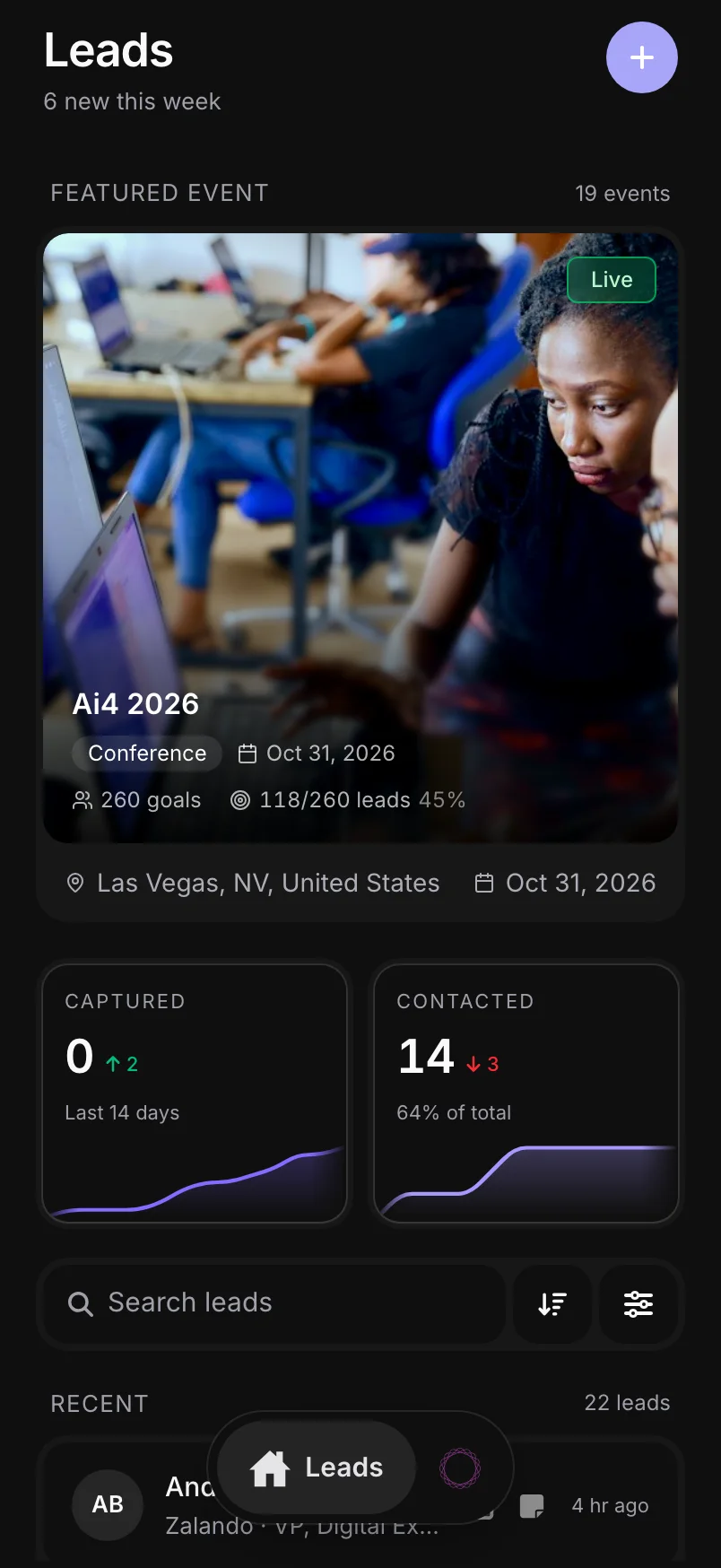
Reps capture a lead in the time it takes to shake hands: a card, a badge, a LinkedIn code or just a name. It works offline and at every show, with the same login.
Card and badge scanner Point the camera at a business card or event badge. Name, title, company, email and phone are read and filled in for you to check.
LinkedIn QR scan Scan the QR code on their LinkedIn app. CAARD pulls the profile and their company, so you never type a name.
Voice notes Walk away and say what you talked about. CAARD writes it onto the lead. Or record the whole conversation and get notes back.
Quick add No card and no QR code? Type a name and email. CAARD looks up the rest.

Scanning is only the start
The lead list is what you pay for. What it takes to turn it into pipeline is where the time goes.
Leads arrive as a list. The organizer’s system gives you the scanned leads in its exhibitor portal. Getting them into your CRM means an export and an import, or an Event API for your developers at $850 to $1,330 per show at the shows above.
Some leads come later. At both shows above, leads captured from badge photos or handwritten badge IDs are uploaded within 14 days after the event, for an extra data services fee.
Nobody has researched them yet. A scan gives you what the attendee typed at registration. Someone still has to look each person up, decide who is worth calling and write the follow-up.
The scan is the easy part.
FLOW does the rest.
CAARD looks each lead up, scores the fit, drafts the follow-up and sends the lead to your CRM while your rep is still at the booth.
- Lookup
Every contact filled in: work email, phone, LinkedIn, job title, company size and industry.
Starting enrichment...0%0% LeadEmailJob TitleLinkedInConfidenceMaya Collins
Corvane Robotics
Daniel Reyes
Halvorsen Foods
Priya Raman
Celtis Medical
Hannah Becker
Brenner Packaging
- ICP fit score
Every lead scored against the ideal customer profile you define, so reps call the best ones first.
ICP ScoreRescoreScore Breakdown
Multi-dimensional analysis
00 /100Mid-market manufacturers, USCompany Fit40%00 Prospect Fit30%00 Geographic Fit20%00 Behavioral Signals10%00 - Follow-up email
The follow-up drafted from the rep’s notes, in the tone they pick, ready to send the same day.
Maya Collins›EmailGenerating…
CancelCopy email - CRM sync
Every lead in your CRM as it’s captured, owned by the rep who met them.
Syncing…Maya Collins
VP of Operations · Corvane Robotics
HubSpotRefreshLinked HubSpot company—View in HubSpotUpdating… - Company match
No duplicate companies. A second lead from the same company is linked to the record already in your CRM.
Sync historyRecent sync jobs pushed to HubSpot.SuccessMaya CollinsLead created · 10:42 AM · contact 51842Company linkedCompany linkedSuccessDaniel ReyesLead created · 10:31 AM · contact 51817Company createdCompany createdSuccessPriya RamanLead created · 10:19 AM · contact 51796Company createdCompany createdCCorvane Robotics11 contact
Common questions about lead retrieval
See a lead go from the badge to your CRM
Walk through a rep’s day at a show in the product tour, no sign-up needed.