
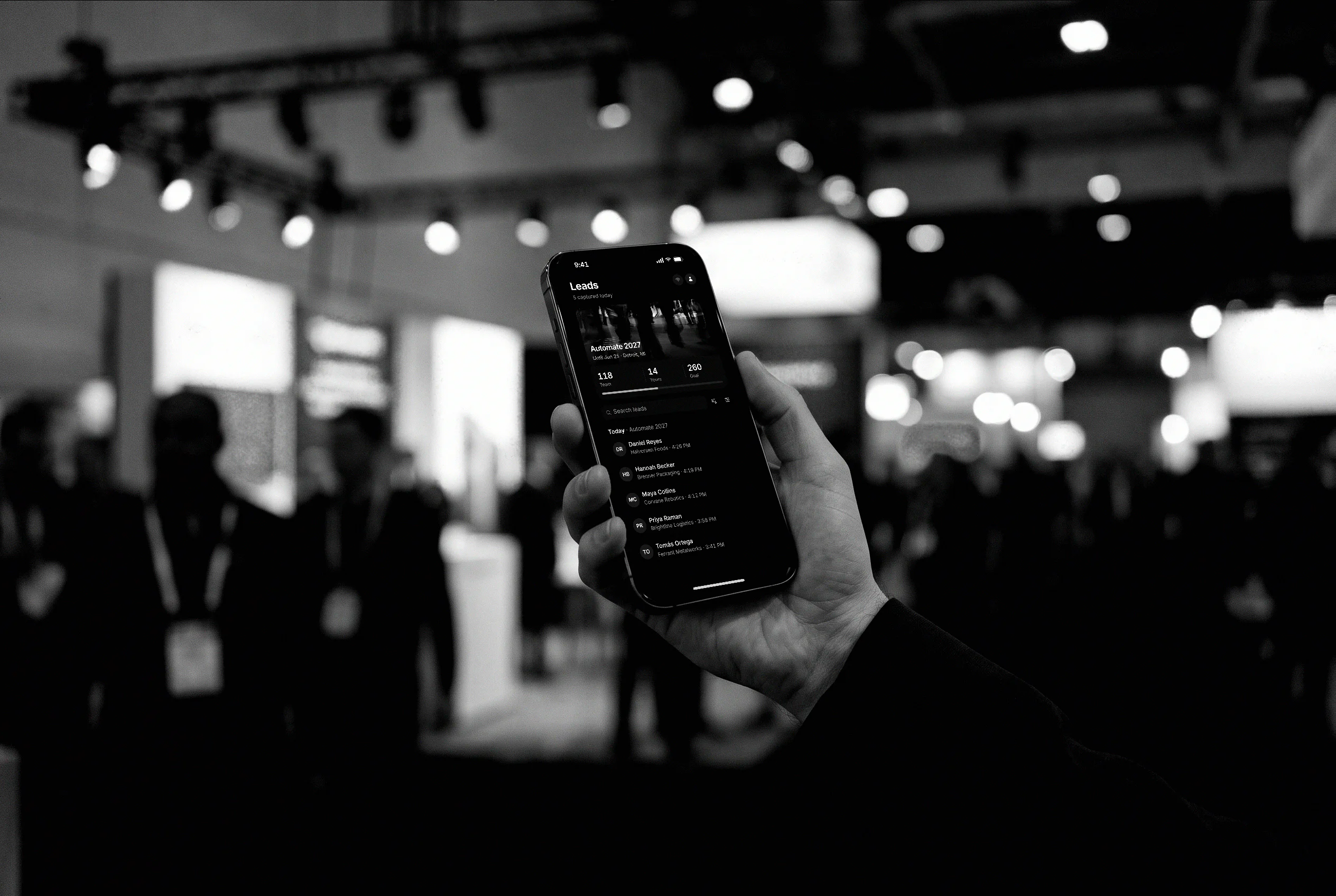
CAARD for iPhone and Android
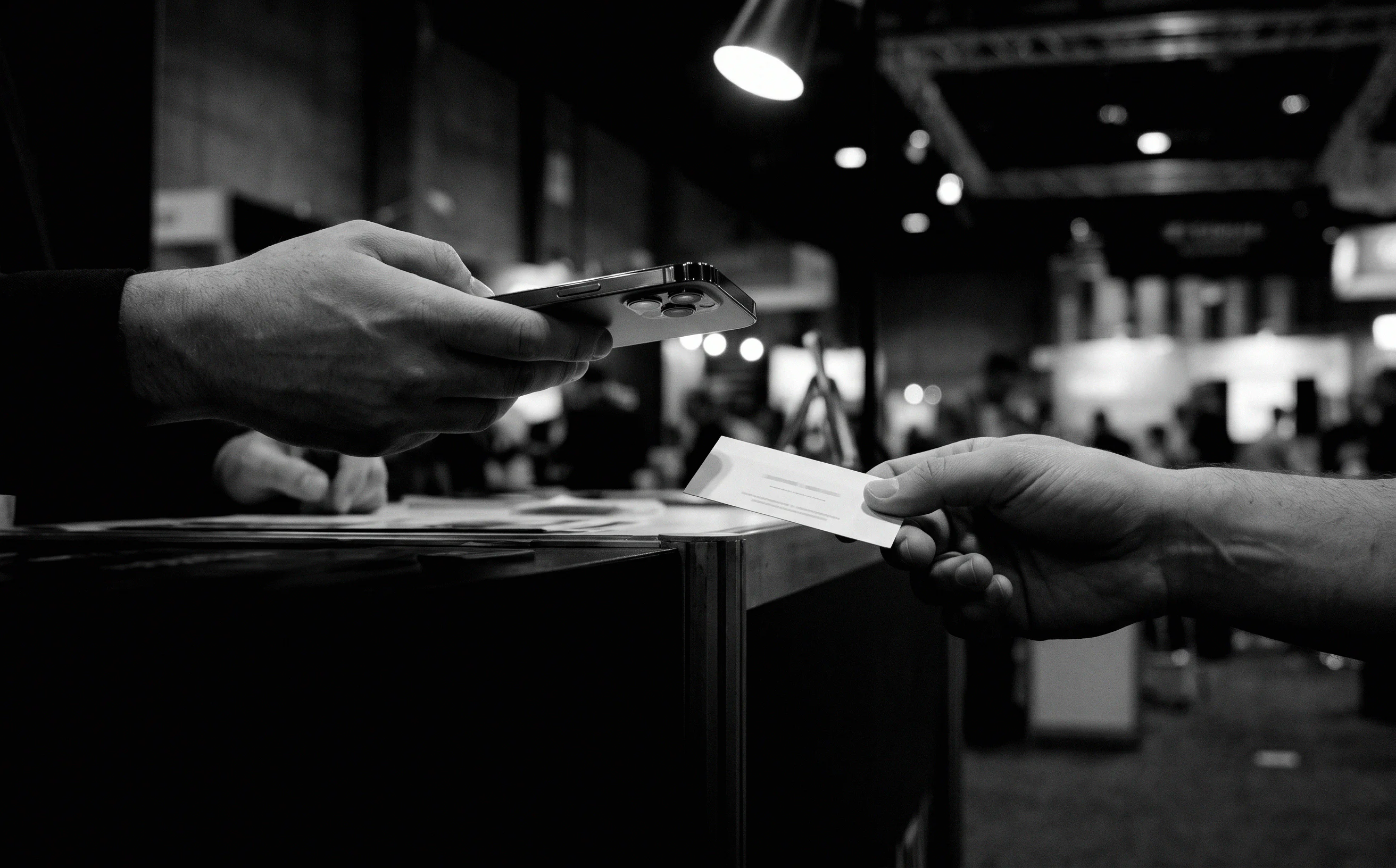
Built for the minute between two conversations. The app handles the part of the job that happens at the stand: the scan, the note and the first follow-up. Your team picks the leads up in the dashboard and in your CRM.
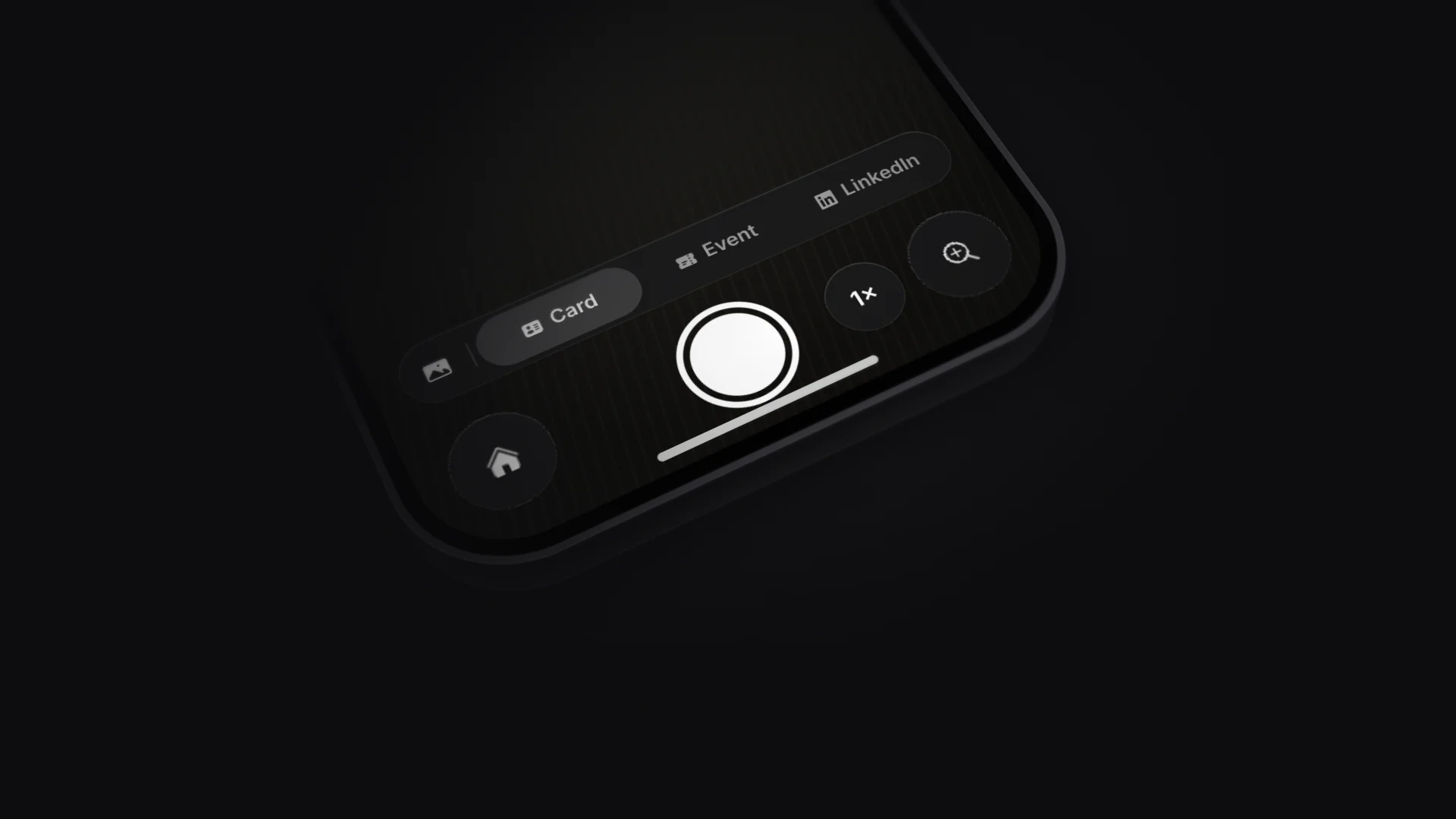
Made for one hand. The shutter, the scan modes and the zoom sit along the bottom of the screen, under your thumb. A light vibration confirms each capture.
On iPhone, Android and the web. Native apps for iOS and Android, or add the web app to your home screen from app.caard.net. No app store needed.
Every card, badge and code, read on the spot
Point the camera at a business card, an event badge or a LinkedIn QR code. CAARD reads the name, title, company, email and phone number, and you check them before the lead is saved.
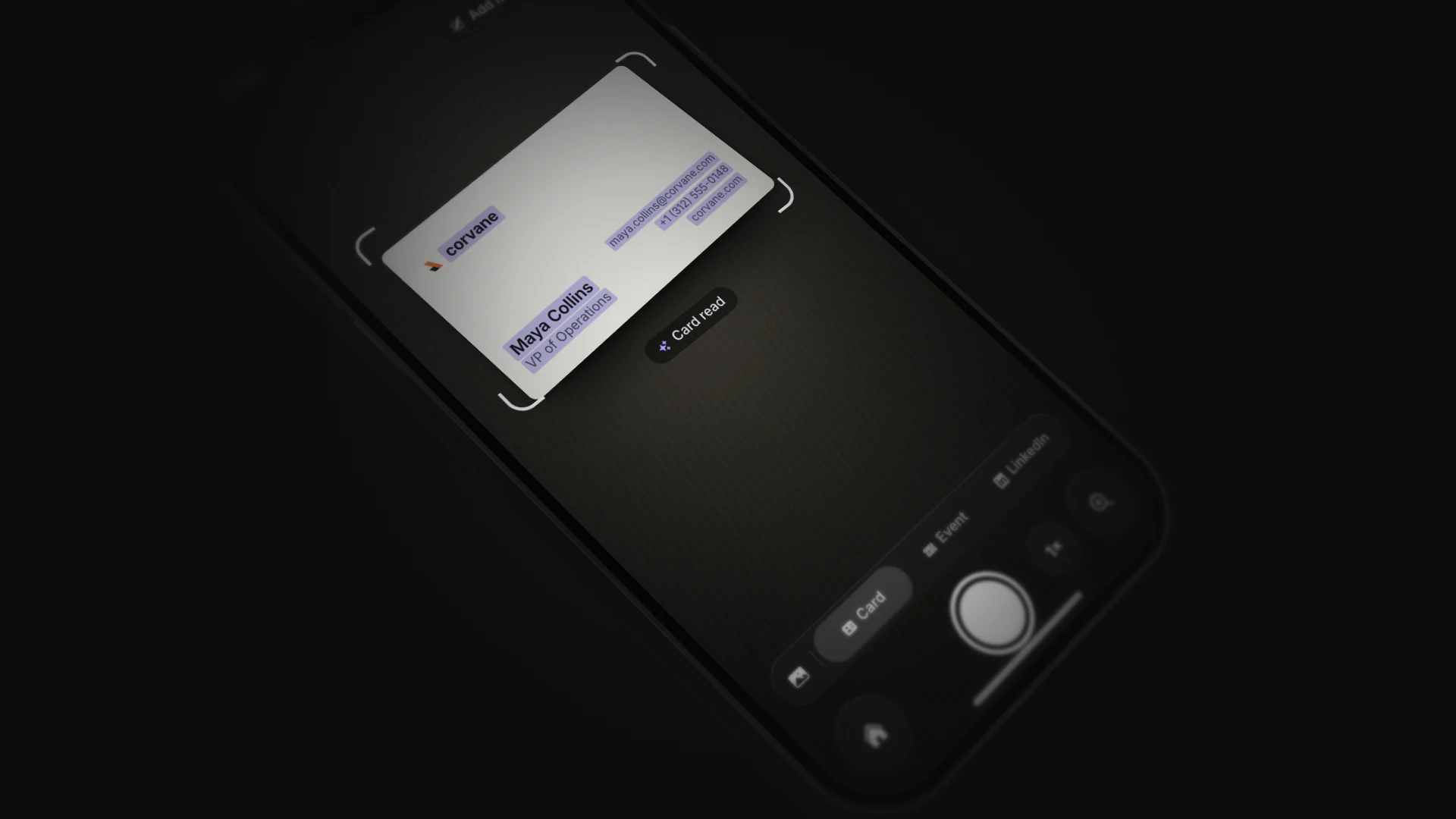
- Name, title, company, email and phone, read off the card
- Switch between a card, an event pass and a LinkedIn code
Check what it read…
Every field the scan filled in is there to fix before you create the lead. Tags and a note come next.
…on badges and LinkedIn codes too
The same camera reads event badges and LinkedIn QR codes, and you can import a photo of a card from your gallery.
Say what you talked about
When the conversation ends, tap the mic and talk in your own language. CAARD types your words onto the lead and drafts the follow-up email from them.
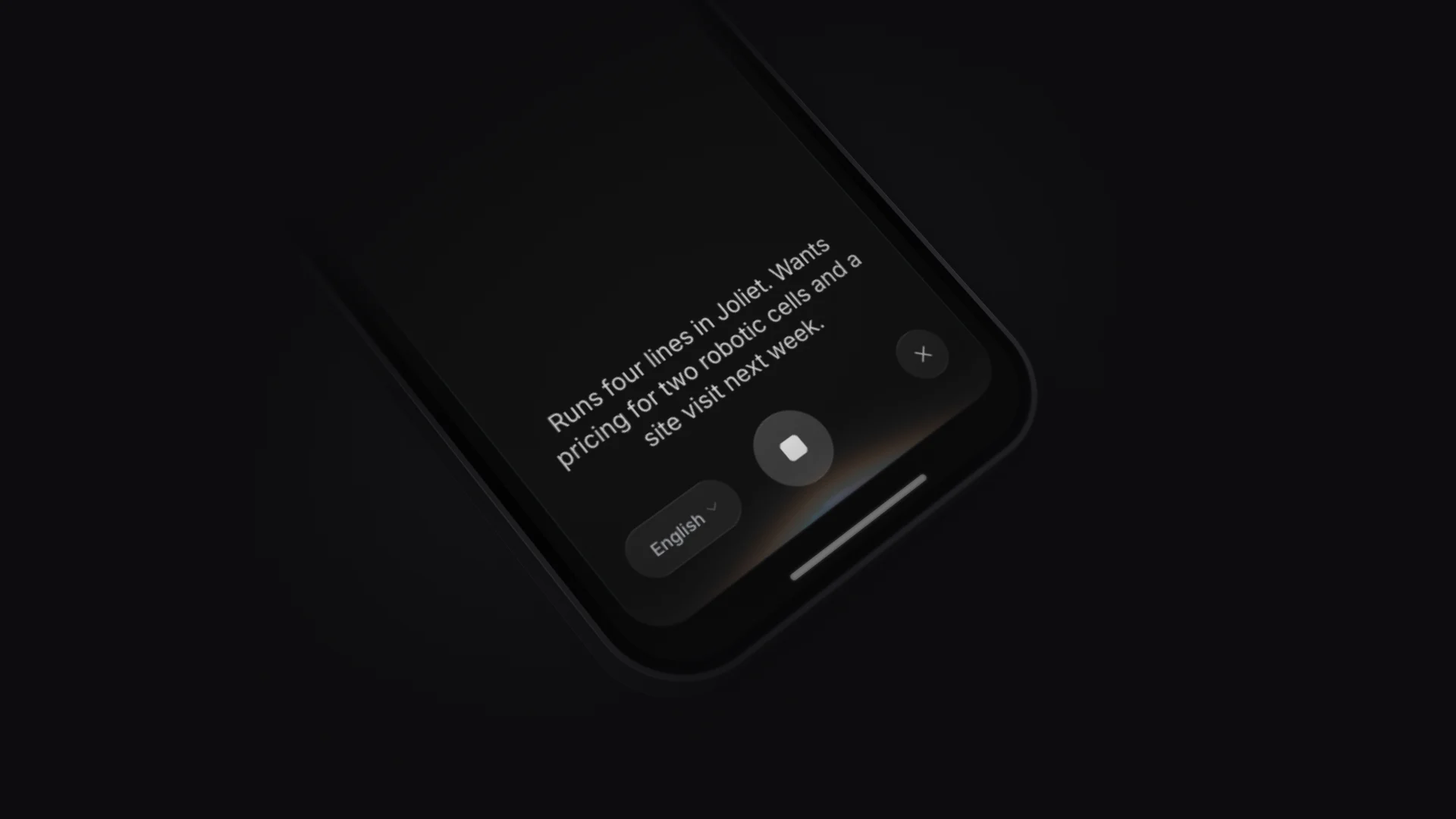
- Pick the language you’re speaking
- Your words, typed onto the lead
See who you just met…
CAARD looks up the company, and if your team has set an ideal customer profile, the lead gets a fit score.
…and follow up the same day
A follow-up email drafted from your notes, in the tone you pick. Copy it, or open it in your mail app and send.


Keeps working when the signal doesn’t
Exhibition halls have bad reception. With no signal, cards, manual leads and voice notes stay on the phone and sync when you’re back online.
Saved on the phone. Each lead is filed to the event that was running when you captured it, even if it syncs the next day.
A reminder for anything left. If captures still haven’t synced after two hours, the app reminds you. It also tells you when a background sync has sent them.
Questions about the mobile app
Something else? Book a call and ask us.